Game Screen
Elements
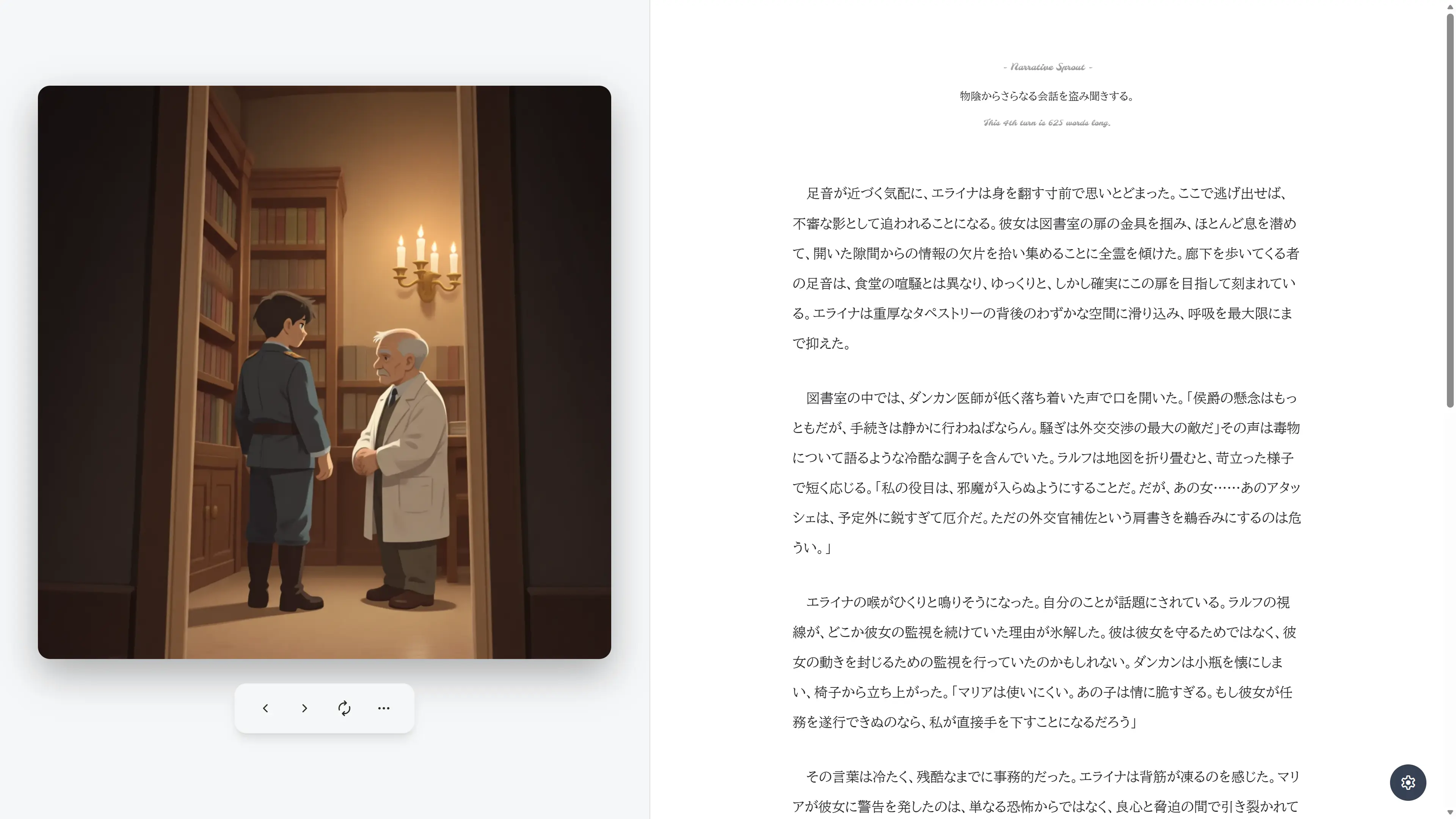
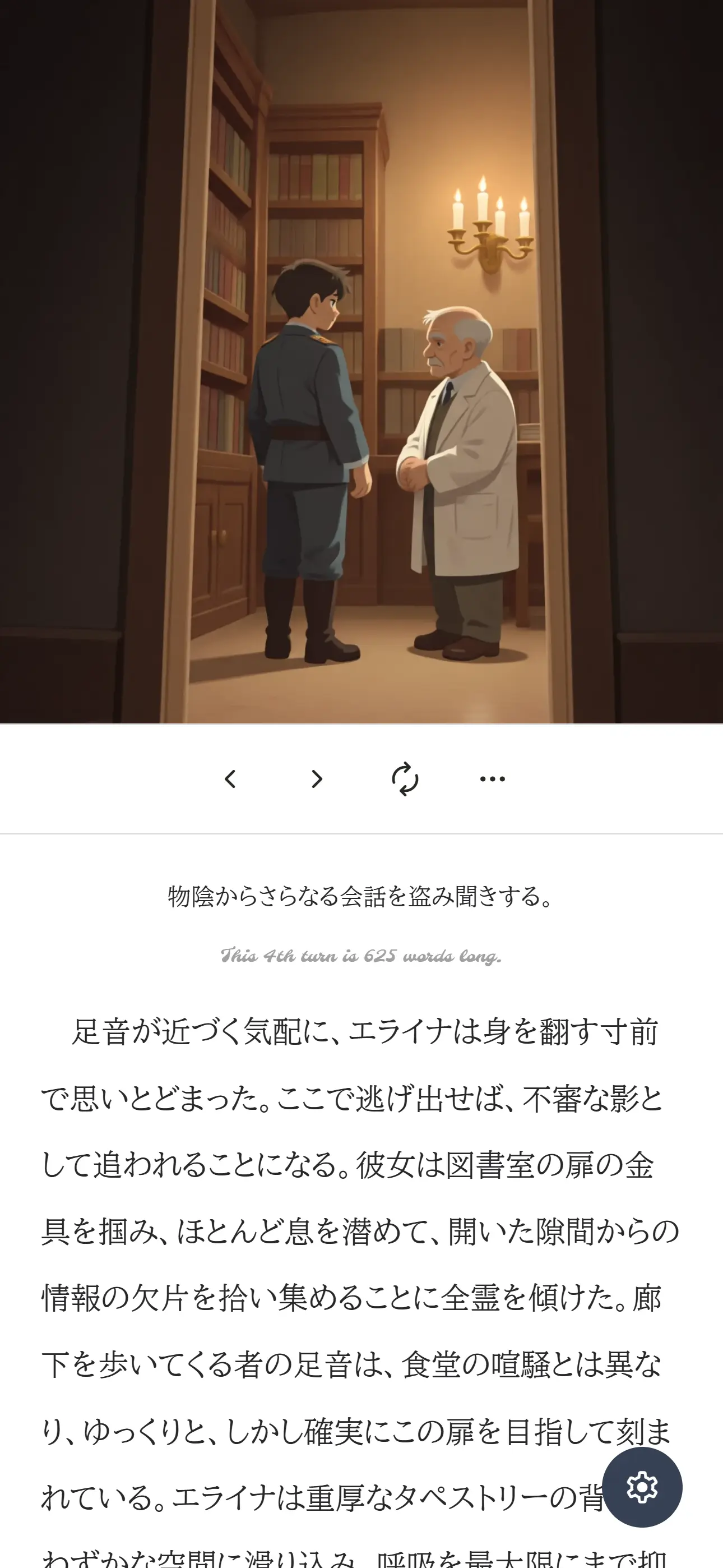
The game screen consists of the following elements.
- Image
- Toolbar
- Choices made when generating the currently displayed scene
- Turn count, generation cost, and word count display for the currently displayed scene*
- Main text
- Three choice buttons and one free-text input form
- Name of the AI model used for generation
- Gear icon button settings to navigate to the settings screen
Ending Scene
When the displayed scene is an ending scene, the following changes occur.
- Addition of closing text
- Removal of choice buttons and free-text input form
- Addition of a button to return to the title screen
* About Turn Count Display, etc.
The English text displayed like a separator below the previous selection has the following meanings.
- Turn Count: Indicates which scene number this is, counting the first scene as 1. This turn count is also communicated to the AI, allowing instructions like "situation changes from turn XX."
- Generation Cost: Represents the cost incurred to generate the text for that scene in units of 1/100 of a dollar (cents). Precisely, this is not actual US dollars, but the dollar unit used for billing by OpenRouter. Not displayed if the generation cost is zero.
- Word Count: The word count (≠ character count) of the main text for that scene, counted based on the display language. This word count is communicated to the AI as a guideline for adhering to word count instructions.
Desktop Layout
Mobile Layout
Keyboard Controls
The following operations can be performed via keyboard input on the game screen.
- Left key: Display the previous scene.
- Right key: Display the next scene.
Llatest: Display the latest scene in the current branch.Hhistory: Navigate to the history screen for the current save slot.Rregenerate: Regenerate the image.Eedit: Enter text editing mode.